docker volume create llm-data4 Large Language Model (LLM)
4.1 Create a Large Language Model Cluster
4.1.1 Create the LLM Engine Container
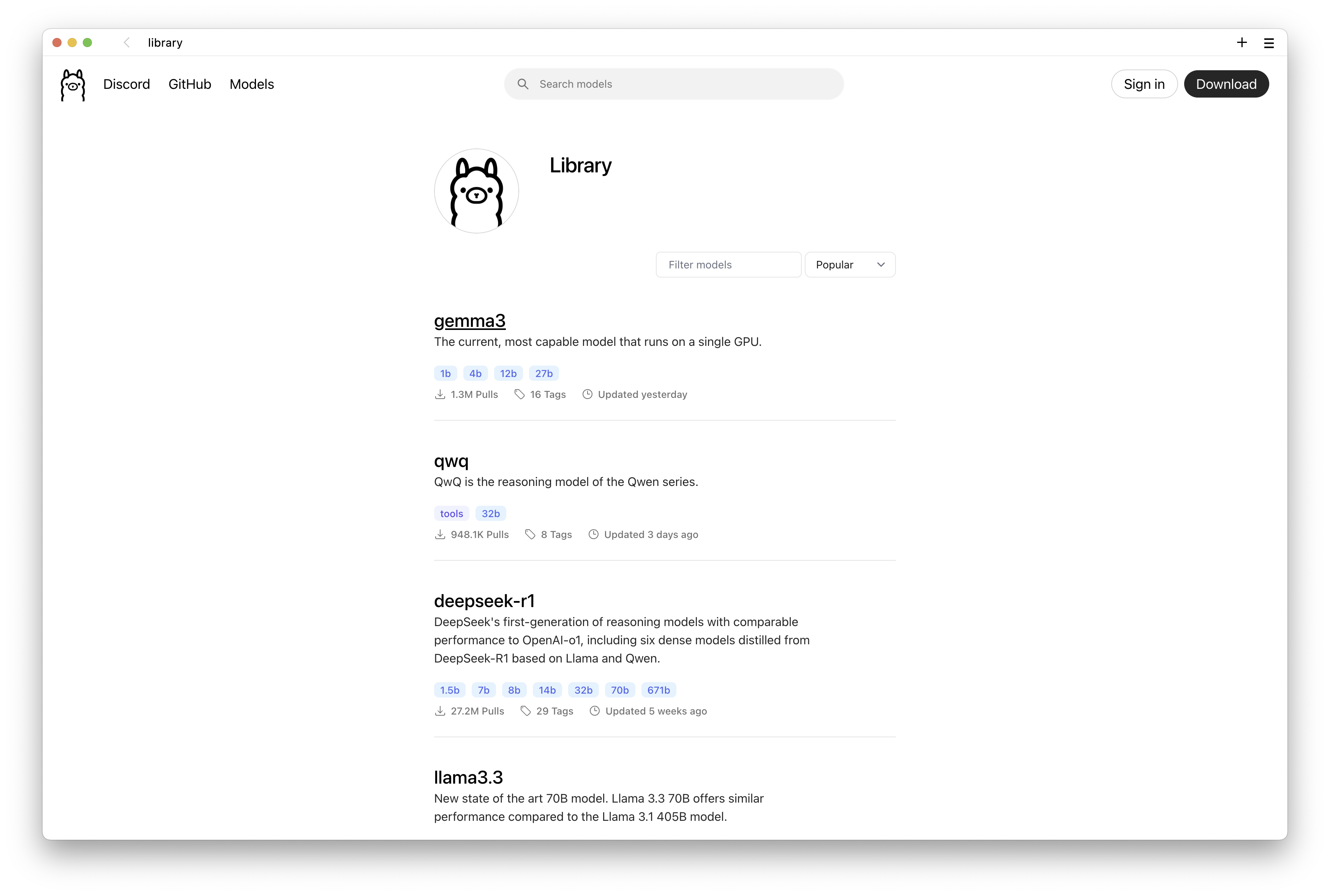
We are going to use the Ollama software. To install without using Docker, it can be found here.
Run the following
Dockercommands in your machinecommand lineprompt.Create a volume called
llm-data
- Create the docker container with the
ollamaLLM engine.
docker run -d -v llm-data:/root/.ollama -p 11434:11434 --network workshop_network --name llm --hostname llm ollama/ollama4.1.2 Download your first LLM model
- Connect to your
llmcontainer with this command:
docker exec -it llm /bin/bash- Run the following command to download the LLM model
llama3.2.
ollama pull llama3.2
Tip
- You can download and install more/other models by issuing the previous command but for other model names (eg:
mistral,phi3.5,qwen2.5, etc).
- Run the following command to confirm the LLM model
llama3.2was downloaded.
ollama list4.1.3 Ask your first questions
- Run the following command to run the LLM model
llama3.2.
ollama run llama3.2- Once you have the prompt, you can start to ask questions to the LLM model
llama3.2.
 - You can download and use other models. See the full list compatible with the
 ollama LLM engine here.